The best fonts for subtitles and captions
A subtitle font has one job: be read in the second it’s on screen. Below is the same caption in 18 fonts, rendered by the app on a real frame, followed by what Netflix, the BBC and caption guidelines actually say about readable subtitle fonts — and which kinds of font suit vertical video.
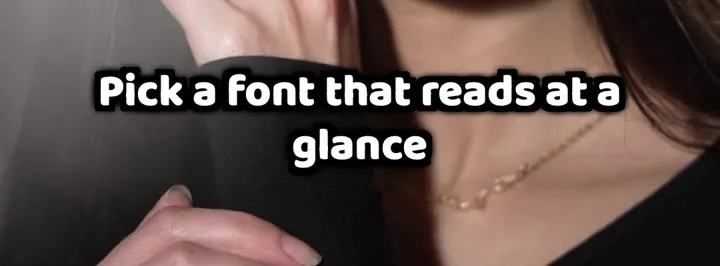
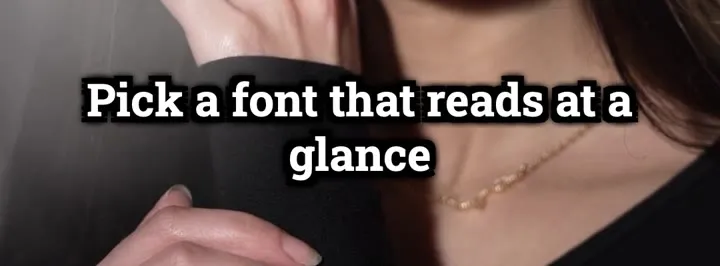
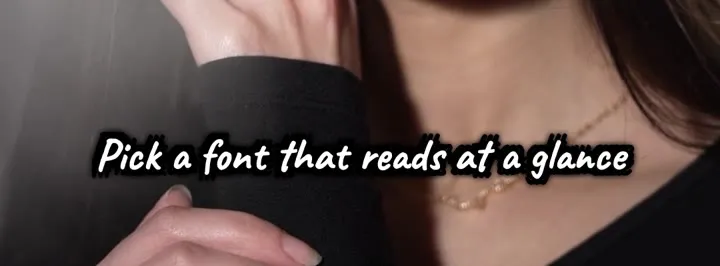
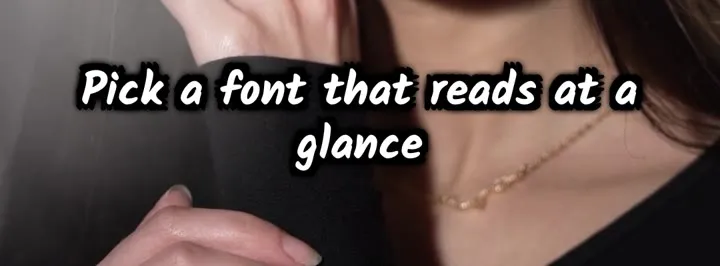
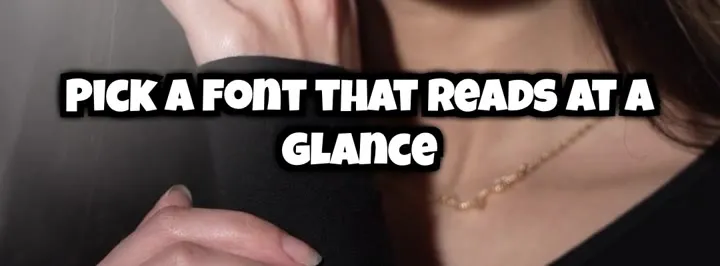
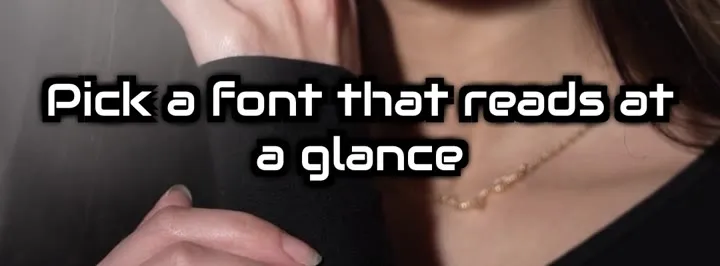
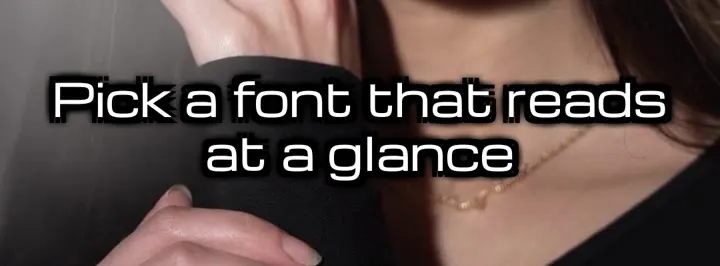
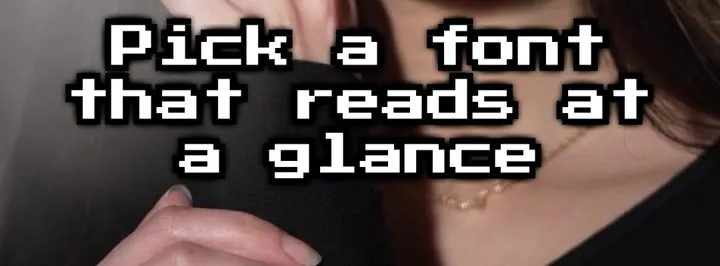
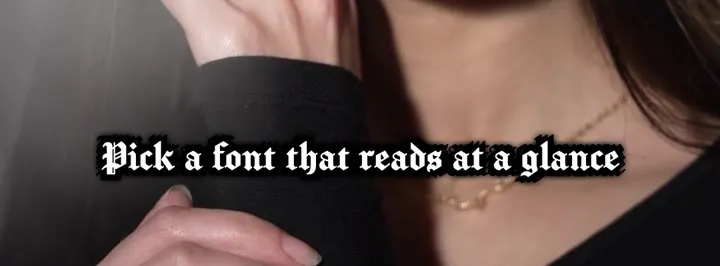
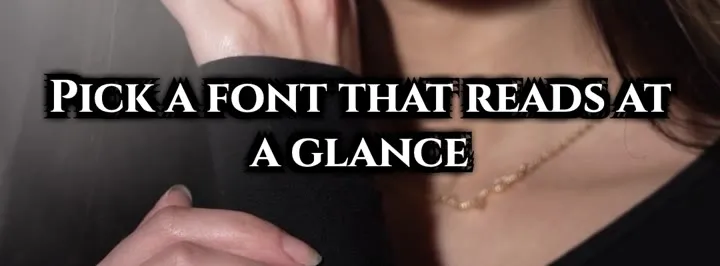
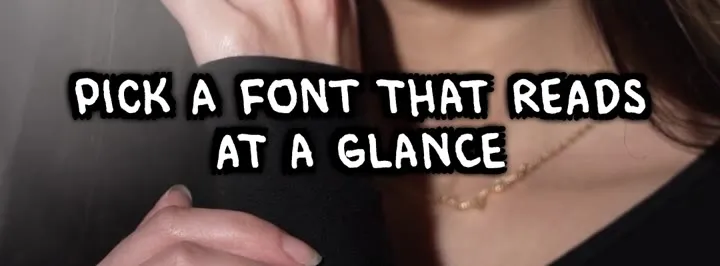
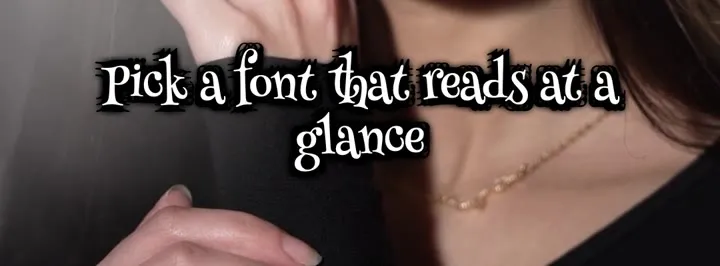
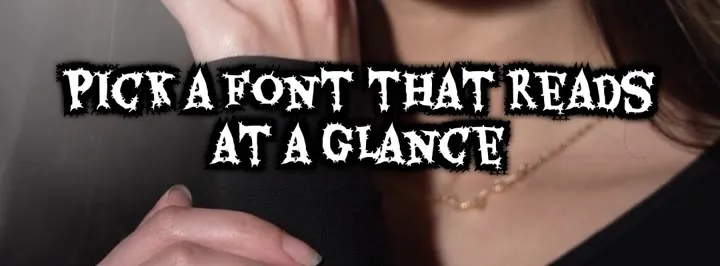
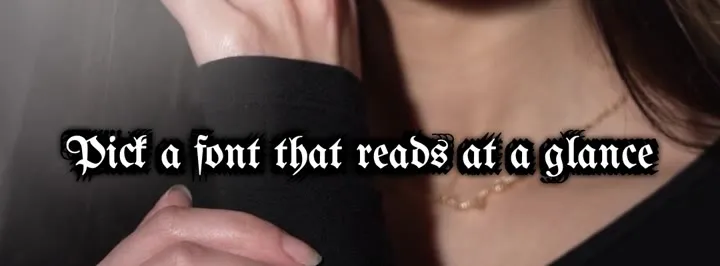
Download on the App StoreThe same caption in 18 fonts
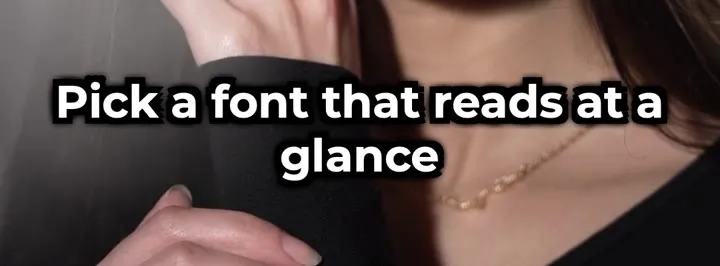
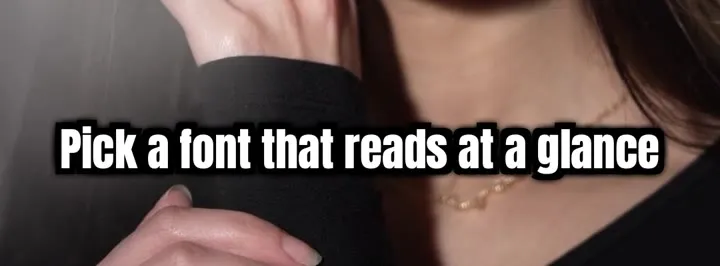
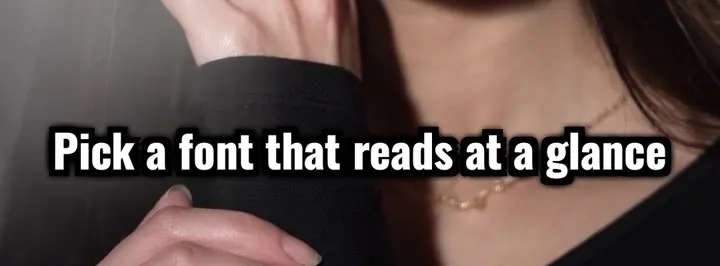
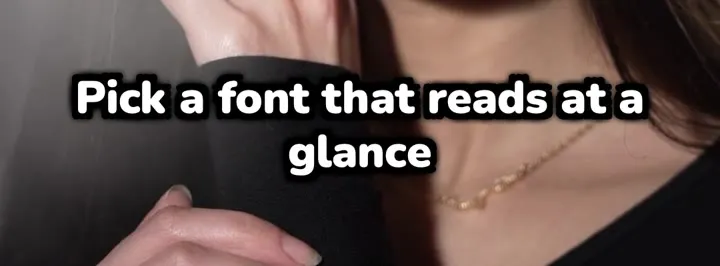
One frame, one line, the Clean style — only the font changes. These are exports from the app’s renderer, not mock-ups.
What makes a subtitle font readable
Caption guidelines agree on the basics. The Described and Captioned Media Program asks for white characters of medium weight, sans-serif, proportionally spaced, with a drop or rim shadow, in upper- and lowercase — capitals only to show shouting. The W3C’s media accessibility requirements add that a thicker outline or a drop shadow helps text stand out from the picture.
For vertical video specifically, the BBC’s subtitle guidelines allow up to three lines (two for landscape), lines up to 90% of the frame’s width, and say about 25 characters in that width matches what 37 do on landscape TV. They recommend a reading pace of 160–180 words per minute.
In practice that means a clean sans-serif with some weight, an outline, shadow or box behind it, and short lines. Decorative, script and blackletter faces read more slowly — they work for a word or two, not for whole sentences.
Sources
What font does Netflix use for subtitles?
Netflix doesn’t prescribe a brand font. Its English (USA) style guide asks for a proportional sans-serif and names “Arial as a generic placeholder”, in white, at most 42 characters per line and two lines, at up to 20 characters per second for adult programmes.
The BBC’s guidelines say much the same for online video: use the system font for readability — Helvetica on iOS, Roboto on Android — with its own Reith Sans as the preferred face.
Sources
What font do YouTube, TikTok and Instagram use for captions?
YouTube doesn’t say which font its captions use by default — and viewers can change it: on a computer under Settings → Subtitles/CC → Options (font, colour, size, background); on iPhone the app follows the system caption style.
TikTok has its own typeface, TikTok Sans, introduced in 2023 for text across the app and released as a free, open-source font in 2025. Instagram introduced Instagram Sans in 2022 for expression in places like Stories and Reels. Neither company says which font its automatic captions use.
On iPhone you can set your own subtitle font for supported video apps in Settings → Accessibility → Subtitles & Captioning → Style. That changes caption tracks you watch — not text burned into a video.
Sources
Choosing a font for vertical video
For most talking videos: a bold sans-serif — Montserrat, Oswald, Nunito or Anton (condensed, so more words fit on a line). They stay legible at phone size and on busy backgrounds.
For short, punchy lines — one to three words at a time, as with word-by-word styles — display fonts like Luckiest Guy or Comico add character without slowing anyone down.
Handwritten fonts (Caveat, Kalam) suit a relaxed vlog tone; keep lines short. Techno, pixel, horror and blackletter faces are for a word on screen, not for a sentence someone has to read in two seconds.
Fonts for other languages
Not every font has every letter. In Subtitled, all fonts cover Danish (æ ø å). Cyrillic (Russian and Ukrainian) is covered by Montserrat, Oswald, Nunito, Roboto Slab, Caveat, Press Start 2P and Rubik. Henny Penny and UnifrakturMaguntia lack Turkish and Polish letters, so the app hides them when your subtitles need those. There are four Arabic fonts (Cairo, Tajawal, Baloo Bhaijaan, Lalezar) and four Hebrew ones (Rubik, Secular One, Suez One, Fredoka) — 26 fonts in all.
Change the subtitle font on iPhone
-
Generate subtitles for your video
Open Subtitled, pick the clip and let it transcribe the speech.
-
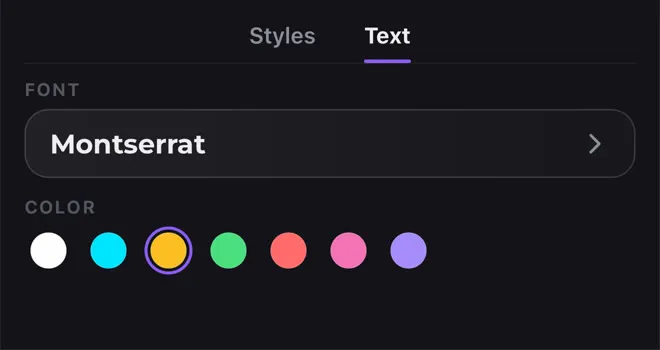
Open the Text tab
Tap the palette button, then Text. Tap Font to see every font with your own words in it, and pick a colour below.
-
Save the video
The font is burned into the export, so it looks the same on Instagram, TikTok and YouTube Shorts.